
Why We Let You Test Drive Barcode Equipment Before You Buy It
Posted by Midwest Barcoding Solutions on Jun 22nd 2026
By Midwest Barcoding Solutions | Buying Smart | Equipment Demo Program
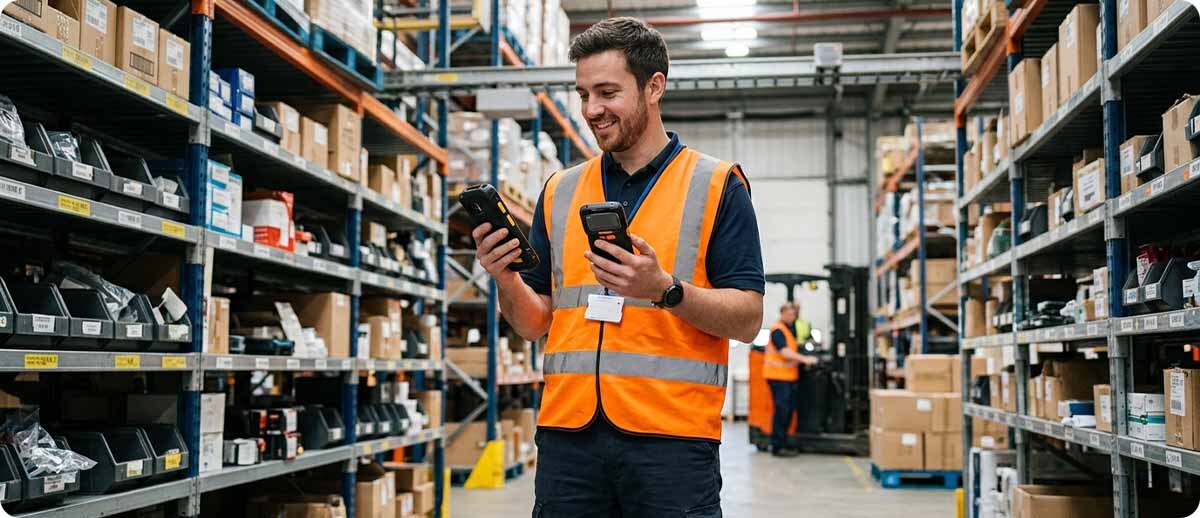
Here's a situation we run into all the time. Someone is looking at a new mobile computer, they've read the spec sheet, the numbers all look great, and on paper it seems like an easy decision. Then they get it in their hands and something doesn't quite line up. Maybe the scan engine doesn't read as well at the distance they actually need in their facility. Maybe the WMS app they're running has a weird compatibility hiccup nobody could have predicted from a spec sheet. Maybe it just feels wrong in someone's hand after holding it for a full shift.
None of that shows up until the device is actually in your environment doing your actual work. That's the whole reason we offer equipment you can test before you buy. We'd rather you find out now than after you've ordered fifty of them.
How It Actually Works
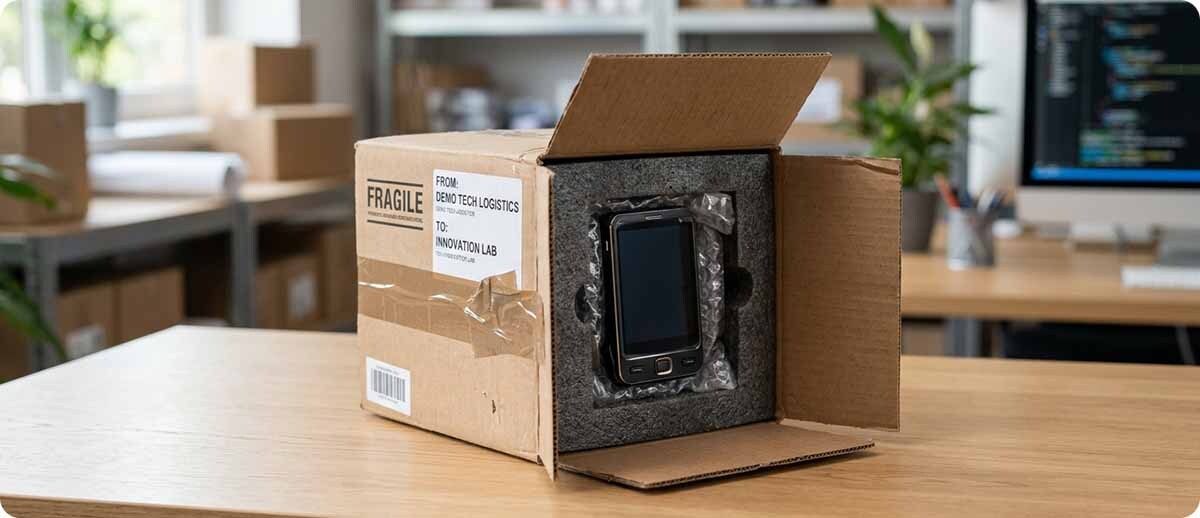
It's pretty simple, honestly. Think of it like checking out a book from the library. You request the device you want to test, we send it over, you run it through whatever you'd normally throw at it for a couple of weeks. If you need more time because you're testing something more involved, just let us know and we can extend that. There's no trick to it and no pressure to rush a decision you're about to live with for years.
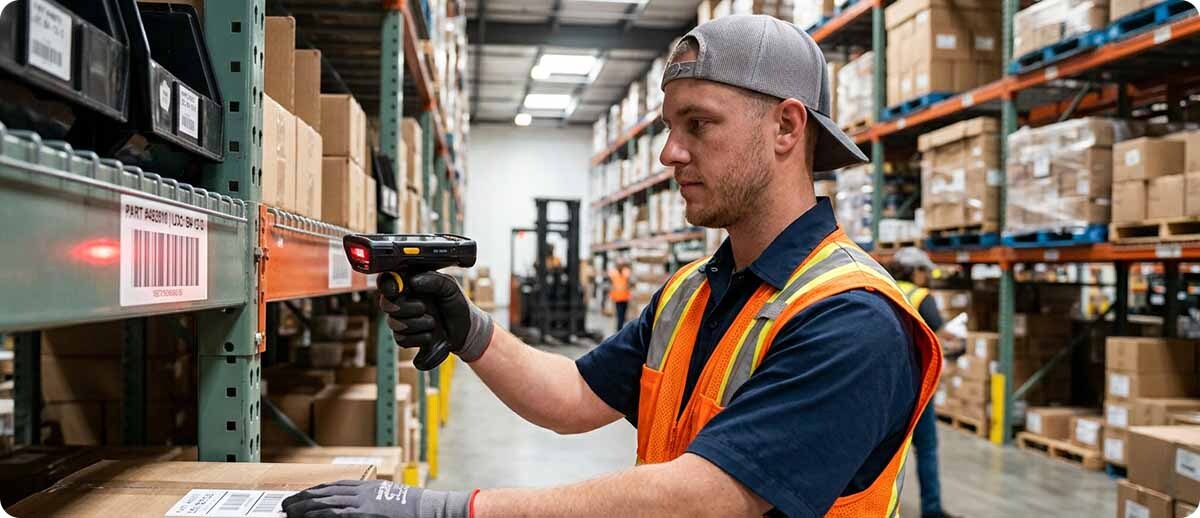
This mostly applies to mobile computers, tablets, and scanners, since those are the devices where real-world testing actually changes the outcome. There are a lot of small differences between models that look similar on paper but behave very differently once they're running your specific software in your specific environment, and the only way to really know is to try it yourself.
Printers are a little different. Most of the time you don't need to test-drive a printer before buying it, since there just aren't as many variables that can go sideways compared to a mobile computer running a full operating system and connecting to your network and your software. If you're upgrading to the next generation of a device you already run, that usually doesn't need testing either. You already know it works for you, the new version is just a better version of the same thing.
When This Actually Matters
Testing matters most when something about your setup is changing. If you've made software or infrastructure changes and you want to be sure the new hardware is actually going to play nice with it before you commit, that's exactly the situation a demo is built for. Same goes for new operational procedures or a new use case you haven't run before. Maybe you're trying out a different scan engine because your old one struggles at certain distances, or you're considering a bigger printer for a new product line. Those are the moments where trying it first saves you from finding out the hard way after the invoice is already paid.
There's also just a lot of overlap between devices that can be genuinely confusing if you're not in this world every day. Two scanners can look nearly identical on a spec sheet and perform completely differently once they're actually scanning your labels in your lighting at your distances. We talk to people about this constantly, and honestly, half the value of working with our team is just helping you sort through the differences before you even get to the testing stage. We know which questions to ask. Once we've got a good sense of what you actually need, putting the right device in your hands to confirm it is the easy part.
Why We Do It This Way
A bad hardware decision is expensive in ways that go beyond the purchase price. If you buy fifty mobile computers and discover three weeks in that the scan engine isn't quite right for your application, you're not just out the money. You're dealing with frustrated workers, slower throughput, and the headache of either living with a device that doesn't quite fit or starting the whole buying process over again.
Letting you test the actual device in your actual environment before you commit to a big order just removes that risk. It costs us a little more upfront to run a demo program like this, but it means the people who do buy from us end up with equipment that actually works for them, which is honestly the outcome we want too. We'd rather sell you the right thing once than sell you something today and deal with a return or a frustrated call in three months.
What to Expect If You Want to Try This
If you already know exactly what device and configuration you need, great, just request it and we'll get it to you. If you're not totally sure yet, that's fine too, and honestly more common. Talk to our team first. We'll ask about what you're scanning, how far away, what environment you're working in, what software it needs to run, and what's actually bugging you about your current setup if you have one. Once we've got a good handle on that, we can narrow things down to one or two devices worth actually testing instead of you guessing blind.
While you've got the device, we'll also talk through trade-in options if you've got older equipment you're looking to retire. No pressure either way. Test it, see how it goes, and then we figure out next steps together.

A Few Questions People Usually Ask
How long do I actually get to test the device?
We generally ask for it back within a couple weeks, which is plenty of time for most testing needs. If you need longer because you're working through something more involved, like validating against a custom app or running it through a full multi-shift cycle, just let us know and we can extend it. We're not trying to rush you into a decision.
Does this apply to printers too, or just mobile devices?
It can, but printers usually don't need it the way mobile computers do. There are fewer variables that can go wrong with a printer compared to a device running a full operating system, connecting to your network, and talking to your WMS. If you've got a specific reason to want to test a printer first, like a new label size or a different print resolution for a new application, we're happy to set that up.
What if I'm just upgrading to the newer version of a device we already use?
In most cases that doesn't need a demo. If you already know the current model works for your operation and you're just moving to the next generation, the new version is generally going to behave the same way, just better. Testing makes the most sense when something is actually changing, your software, your use case, or the environment the device needs to work in.
Do I need to know exactly what I want before reaching out?
Not at all. A lot of people come to us without knowing exactly which model or configuration is right, and that's genuinely fine. Talking through what you're trying to accomplish first usually gets us to the right one or two options pretty quickly, and that's a much better starting point than guessing and hoping.
If you're sitting on a hardware decision and not totally confident it's the right one, this is exactly what the demo program is for. Fill out the form below and let's talk through what you're trying to do, and we'll get the right device in your hands so you can find out for yourself before you commit.