
Color Label Printers: When On-Demand Color Makes More Sense Than Pre-Printed Labels
Posted by Midwest Barcoding Solutions on Aug 3rd 2026
By Midwest Barcoding Solutions | Color Label Printers | On-Demand Color Guide
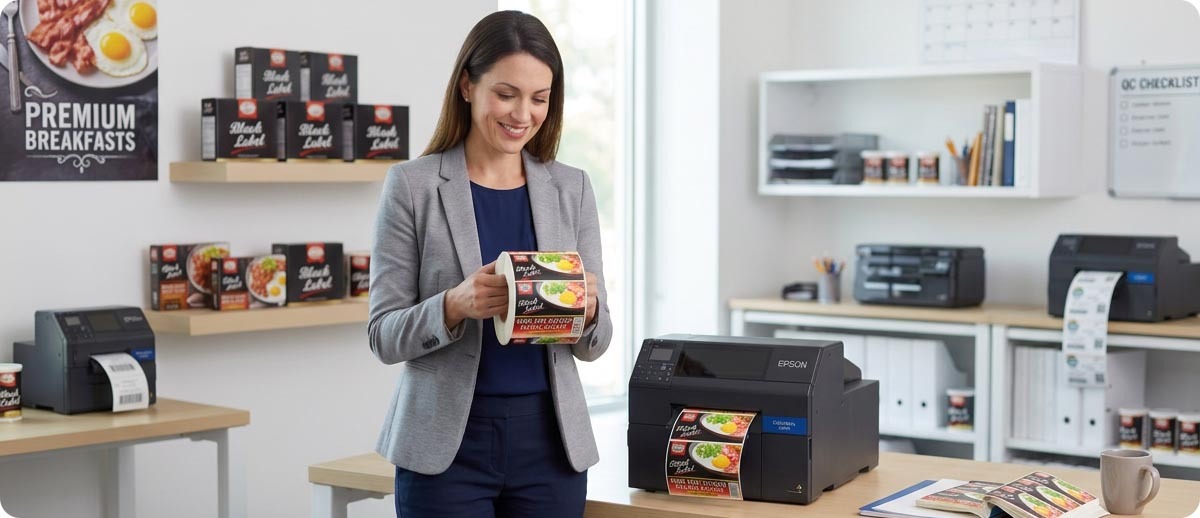
Color labels have traditionally required either pre-printed stock from a label supplier or an expensive high-volume color printing setup that only made sense at production scale. That's changed significantly. Current generation color inkjet label printers like the Epson ColorWorks series print photo-quality color labels on demand at a cost and footprint that works for small and mid-size operations, not just large manufacturers.
Whether that makes sense for your operation depends on what you're currently doing and what the pre-printed approach is actually costing you. Here is the straightforward breakdown.
The Problem With Pre-Printed Color Labels
What does pre-printed actually cost beyond the price per label?
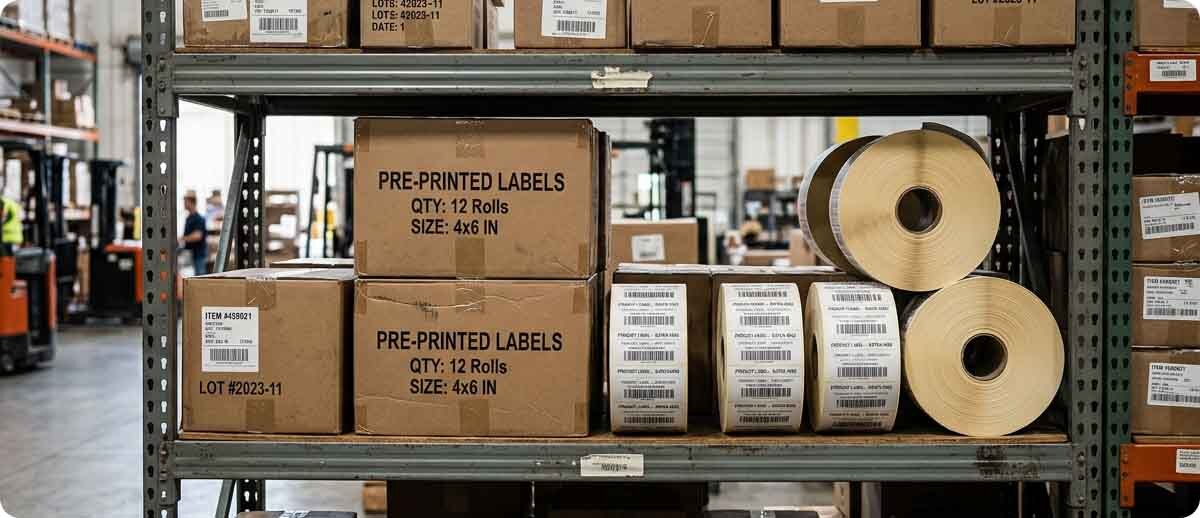
The price per label from a supplier looks reasonable until you add everything else. Minimum order quantities mean you're buying more than you immediately need. Lead times mean you're ordering weeks ahead of when you actually need labels, which requires forecasting that's never quite right. Every product variation, every seasonal change, every regulatory update to a label requires a new print run and a new inventory position. Labels that go out of date before you use them are pure waste.
If you have more than a handful of SKUs or your labels change regularly, the hidden cost of pre-printed inventory management tends to be significant, and it's the kind of cost that doesn't show up clearly on any single line item. It shows up as expired label inventory written off at the end of a season, as rush charges when a label needs to change fast, and as the storage space dedicated to maintaining multiple label versions for multiple products.
When does on-demand color printing make the math work?
The break-even math between pre-printed and on-demand color printing generally favors on-demand when label designs change frequently, when you carry multiple product variations with different labels, when your order sizes are too small to get good pricing from a label supplier, or when speed matters and you can't wait for a print run. Operations that print one standard label in high volume for years tend to stay with pre-printed. Operations that manage a product line with real variety tend to find on-demand considerably more flexible and ultimately cheaper once the overhead of pre-printed inventory management is included.
How Color Inkjet Label Printers Actually Work
Is an inkjet color label printer the same as a regular office inkjet printer?
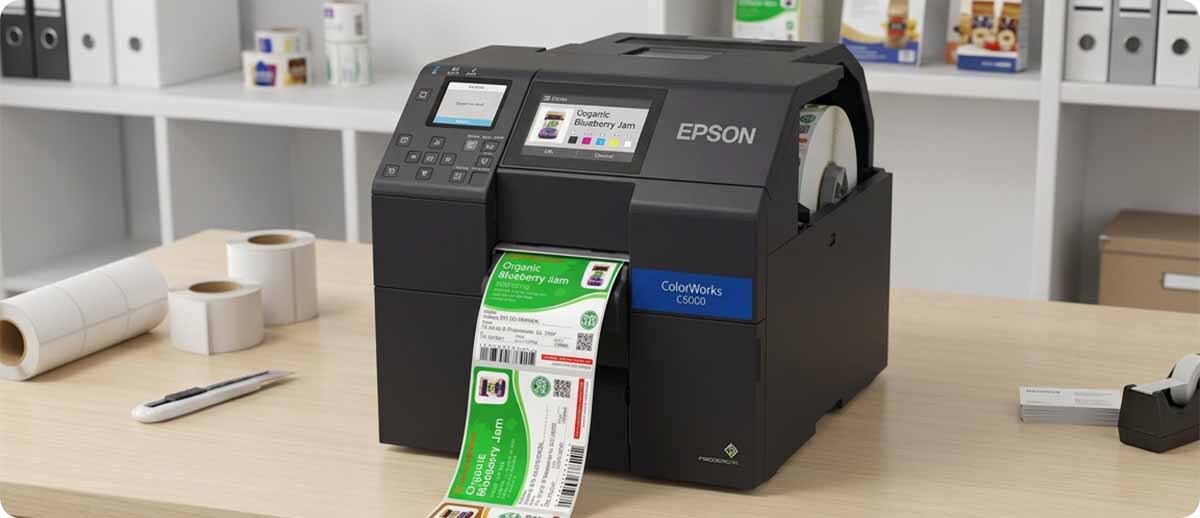
No, and the difference matters. A standard office inkjet was designed to print documents on cut sheets at low volumes. A commercial color label printer like the Epson ColorWorks series is engineered for continuous roll-based label printing at commercial volumes, with pigment-based inks that are water resistant and fade resistant rather than the dye-based inks in consumer printers that run when wet and fade in UV exposure.
The Epson ColorWorks printers use PrecisionCore printhead technology and print at up to 1200 DPI, producing photo-quality output on label stock including matte paper, gloss paper, and synthetic materials. The output is designed to look like a professionally printed label rather than something that came off an office printer, which matters for customer-facing product labels.
They also integrate directly with existing workflows. The CW-C6000A is ZPL II compatible, which means it drops into existing Zebra label printing infrastructure and can be managed alongside thermal printers without requiring a separate software stack. SAP compatibility is also confirmed, which matters for operations running SAP for label printing.
Who Benefits Most From Color Label Printing
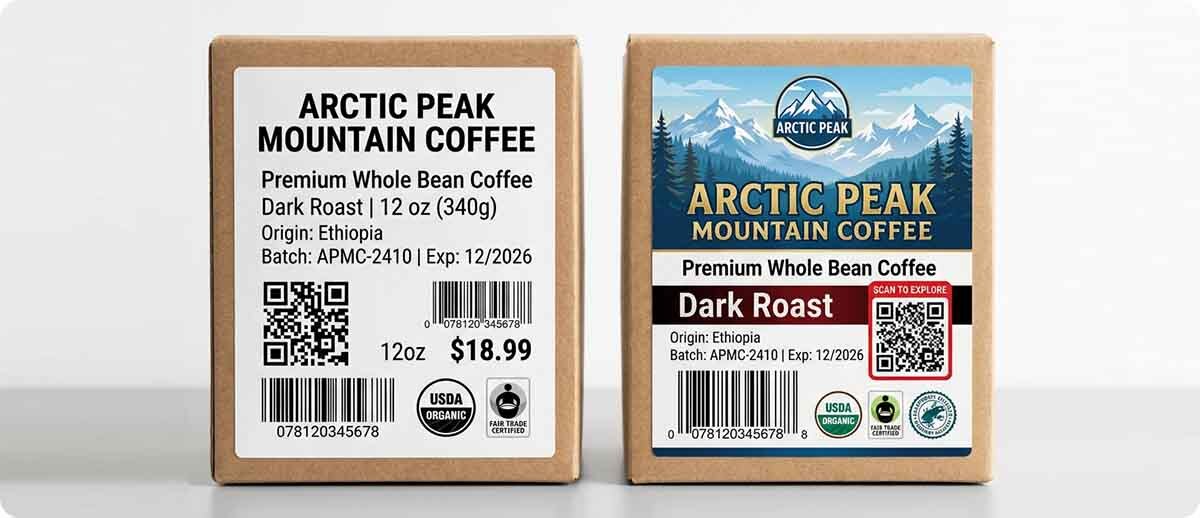
Food and beverage producers printing product labels with nutritional information, ingredient lists, and brand graphics. Color communicates product differentiation and allergen information in a way that black and white doesn't. Seasonal variations and recipe changes can be implemented the same day without waiting for a new pre-printed label run.
Nutraceutical and supplement companies managing frequent label changes for ingredient or claim updates. Regulatory changes that require label revisions can be implemented immediately rather than burning through existing pre-printed inventory or scrambling to rush a new print run.
Chemical and industrial operations printing GHS-compliant chemical labels on demand. GHS labels require specific color-coded pictograms and signal words. Having the ability to print the correct label for any chemical on demand at the point of use eliminates the need to maintain a large inventory of pre-printed labels for every substance in the facility.
Retail and e-commerce operations printing promotional labels, specialty tags, or product labels with brand color that currently require a pre-printed supplier relationship. Being able to change a promotional label design same-day is a competitive advantage that pre-printed can't match.
Healthcare and pharmaceutical operations printing color-coded medication labels, specimen labels, or patient identification labels where color coding reduces error rates. Studies in clinical environments consistently show color-coded labeling reduces medication errors compared to black and white.
The Epson ColorWorks Lineup at MBS

Epson ColorWorks CW-C4000
4-inch | Up to 1200 DPI | PrecisionCore | USB/Ethernet/Serial | Autocutter | Matte or gloss configuration
The compact entry into commercial color label printing. Photo-quality output at up to 1200 DPI in a desktop footprint. Available in matte or gloss configurations depending on your label stock. The right starting point for operations moving from pre-printed to on-demand color for the first time.
C31CK03A9981: CW-C4000 Matte, autocutter
C31CK03A9991: CW-C4000 Gloss, autocutter
Shop CW-C4000 →
Epson ColorWorks CW-C6000 Series
4-inch | Up to 1200 DPI | Up to 5 ips | ZPL II and SAP compatible | USB/Ethernet/Serial | Autocutter or peel-and-present
Designed specifically as a color upgrade to black and white thermal transfer printers. ZPL II compatibility means it integrates directly with existing Zebra label printing infrastructure. Available in autocutter and peel-and-present configurations, and in matte and gloss versions. The step up when higher throughput or existing Zebra infrastructure integration matters.
C31CH76A9981: CW-C6000A Matte, autocutter
C31CH76A9961: CW-C6000P Matte, peel-and-present
C31CH77A9981 / C31CH77A9991: CW-C6500A Matte and Gloss
Shop CW-C6000 Series →
Quick Questions
How does the cost per label compare to pre-printed?
Ink and label stock cost per label on a color inkjet printer is typically higher than the per-label price from a pre-printed supplier at volume. The comparison that usually matters is total cost including minimum order charges, obsolete inventory write-offs, storage costs, rush charges for label changes, and the operational cost of managing multiple label SKUs. When those factors are included, on-demand often comes out ahead for operations with real label variety. We can help you run the numbers for your specific situation before you make any decisions.
Can we use the same label stock we use in our Zebra thermal printers?
No. Color inkjet printing requires label stock specifically coated for inkjet, which is different from thermal transfer or direct thermal media. Epson ColorWorks printers use their own label media line, and MBS carries Epson label stock across common sizes including 4x6, 4x3, and continuous formats in both matte and synthetic options. Your existing Zebra thermal label rolls won't work in a ColorWorks printer.
Does the CW-C6000 really work as a drop-in for a Zebra printer?
The ZPL II compatibility means the CW-C6000A understands Zebra label commands, which is a real integration advantage for operations already printing with ZPL-based label software. It's not identical to running a Zebra printer since color ink management and media handling differ, but for operations that want to add color to an existing Zebra-based workflow without rebuilding the label design side, the C6000A is specifically designed for that use case.
If you're currently running pre-printed color labels and want to understand whether on-demand makes sense for your operation, or if you have questions about which ColorWorks model fits your workflow, fill out the form below and let's work through it before you make any commitments.