
Top 10 Questions to Ask Before You Send Your Barcode Printer or Scanner Out for Repair
Posted by Midwest Barcoding Solutions on Jun 25th 2026
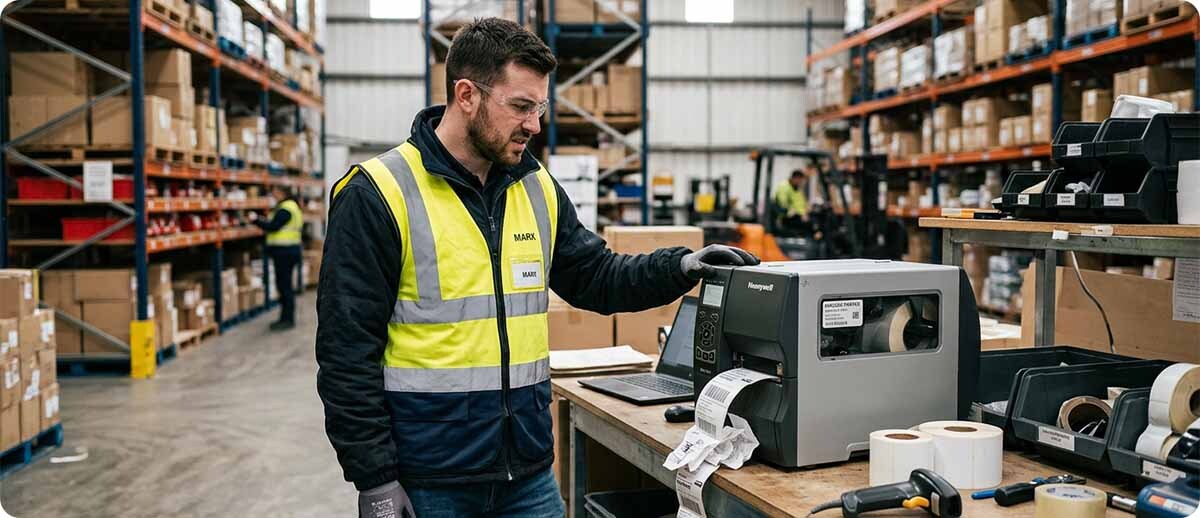
By Midwest Barcoding Solutions | Repair & Service | Top Questions Answered
Broken barcode equipment is one of those problems that sneaks up on you at the worst time. It's never on a slow Tuesday. It's always mid-shift, mid-shipment, mid-everything. So when something breaks, you want answers fast, not a sales pitch. Here are the questions people actually ask us before sending something in for repair, answered as plainly as we can.
1. Do You Even Repair My Brand?
Probably, yeah. We service barcode scanners, mobile computers, and printers across all the major brands, Zebra (which also covers older Motorola, Symbol, Psion Teklogix, and Xplore gear), Honeywell (including Datamax, Intermec, and LXE devices), Sato, Datalogic, Janam, Unitech, and others. If you've got something from a brand you don't see listed, just ask. There's a good chance we can still help.
2. How Much is This Going to Cost Me?
Honestly, it depends on the device and what's wrong with it, so we can't just hand you a flat number for every situation. What we can tell you is the process is upfront and there are no surprises. You fill out the repair request, our team takes a look and gets back to you with pricing, and nothing happens to your device until you say yes to that price. No diagnosing fees that show up after the fact, no work starting before you've approved it. If the price doesn't make sense for you, no harm done, you just say no and figure out your next move.
3. How Long is This Going to Take?
Most repairs are done within 5 business days once we've got the device and you've approved the work. That's not counting shipping time to get it to us and back to you, just the actual repair window. If you're in a situation where every day without that device is actively hurting your operation, mention that when you reach out. We'll always try to move faster when something is genuinely urgent.
4. Is it Even Worth Repairing, or Should I Just Replace It?
This is the one we get asked the most, and it really comes down to a couple things. How old is the device, how much would the repair actually cost, and what would a brand new replacement cost you instead. If a repair is going to run you most of the way to a new device's price tag, replacing it is usually the smarter move, especially if the device is already a few years old and you're going to be facing this same decision again soon anyway. If the issue is something simple, like a cracked screen, a worn out scan engine, or a battery that's just given up, repair is almost always the better deal. When you submit a repair request, our team can also just tell you straight if we think replacement makes more sense for your situation. We'd rather give you an honest answer than just take the repair business if it's not actually the right call for you.
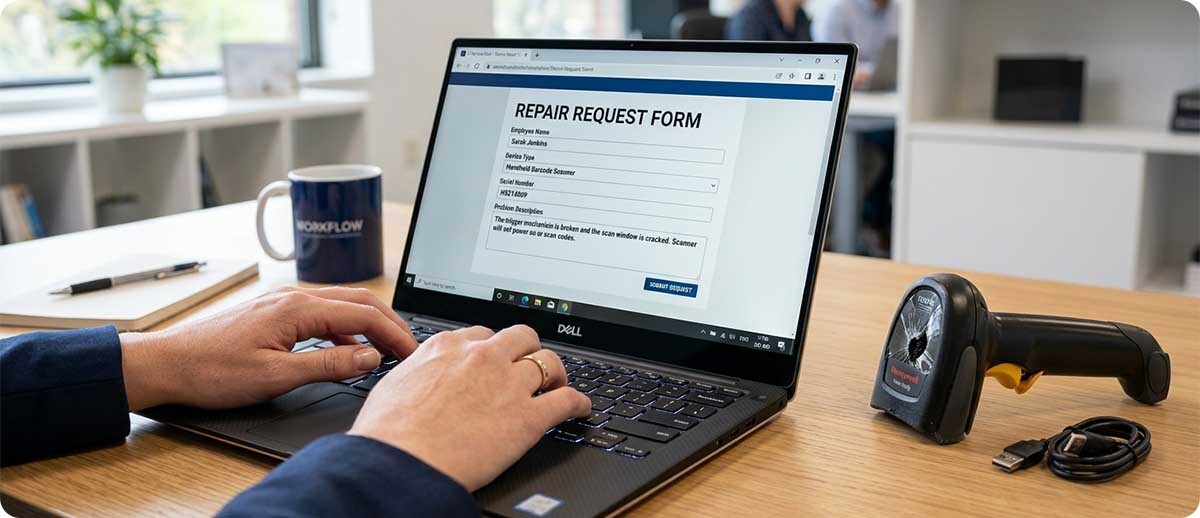
5. What Happens After I Submit a Repair Request?
You fill out the form, our support team reaches out to confirm what's going on and give you preliminary pricing. If that sounds good to you, you'll get a Repair Authorization with instructions on how to send the device in. Once it arrives, the actual repair work starts, and most of the time you're looking at about 5 business days from there.
6. What if the Same Problem Comes Back After I Get it Fixed?
We back every repair with a 30 day warranty after the device is returned to you. That warranty covers the specific issue that was repaired, not the entire device top to bottom. So if the scan engine we fixed acts up again within 30 days, you're covered. If something totally unrelated breaks on a different part of the device a week later, that's a separate issue and would be its own repair request.
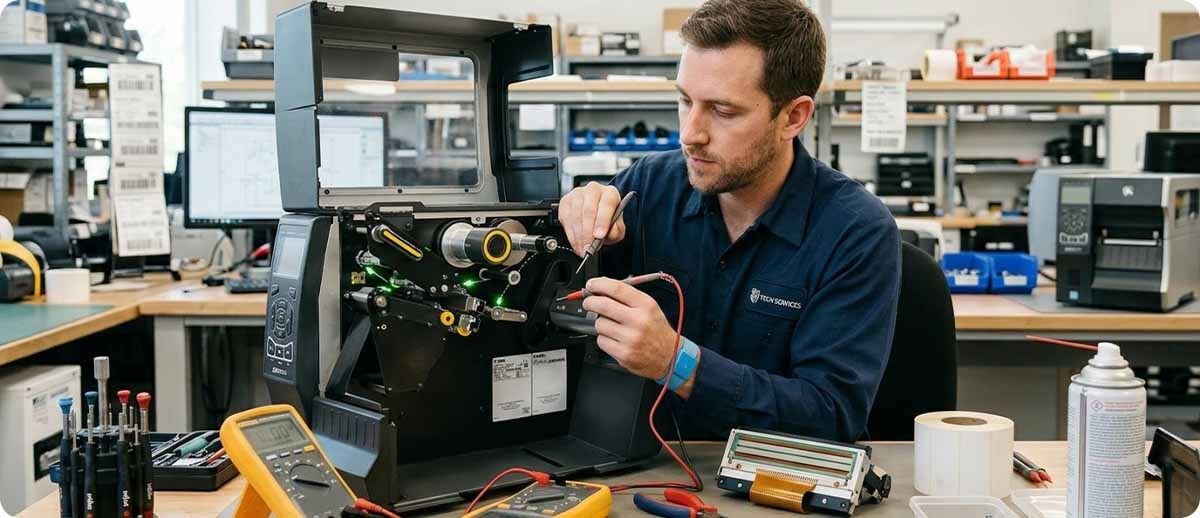
7. My Printer Just Needs a New Printhead. Do I Need a Repair, or Can I Just Order the Part?
If you already know it's the printhead and you're comfortable swapping it yourself, you can absolutely just order the correct part. The number one thing to get right here is the DPI. Ordering the wrong DPI printhead is the most common reason people end up needing a return, and printhead returns carry a real restocking fee, 30 percent if the box is unopened, 40 percent if it's been opened. So before you order, just double check your printer's DPI, or honestly, just call, email, or chat with us first and we'll confirm it for you for free. Takes two minutes and saves you a headache. And if the printhead you ordered turns out to be defective rather than just the wrong part, that's covered separately under the manufacturer's 6 month warranty, and we can help you walk through that claim too. One more thing worth knowing, if you do need a printhead replaced under that process, you don't have to wait around for us to inspect the old one first. We can ship your replacement out right away as a new order so you're not sitting there with a down printer while paperwork gets sorted.
8. Will Sending My Device in for Repair Void Any Remaining Manufacturer Warranty?
If your device is still under an active manufacturer warranty, that's worth mentioning to us right when you reach out, because it can change the right path forward. In some cases a manufacturer warranty repair makes more sense than going through us, and we'll tell you that straight up if it applies to your situation. We're not trying to squeeze a repair out of you that you shouldn't be paying for in the first place.
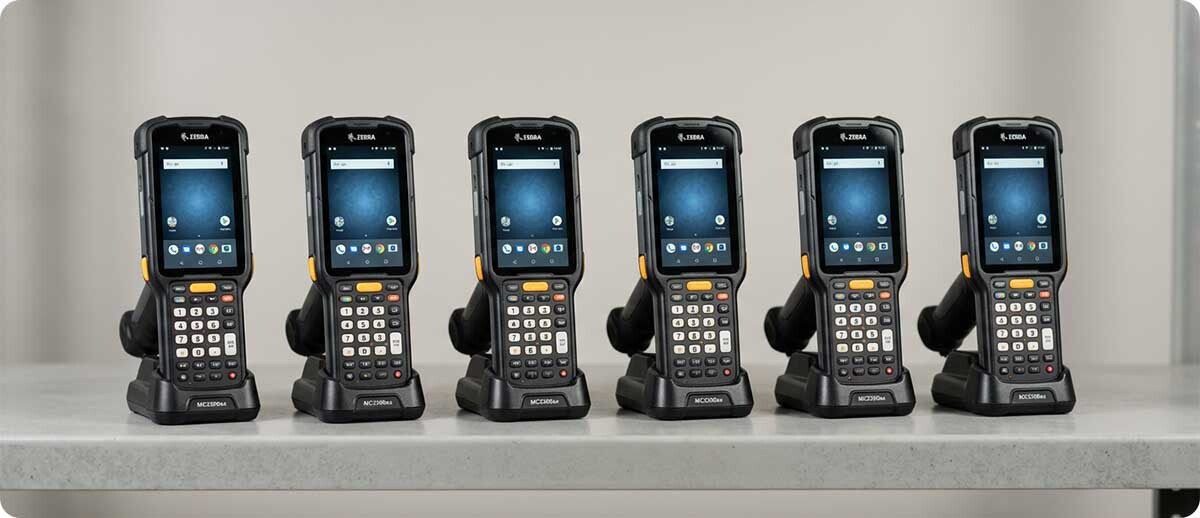
9. I Have a Whole Fleet of These. Does it Make Sense to Keep Repairing Them One at a Time, or Should I Be Thinking Bigger Picture?
If you're finding yourself sending in the same model for repair over and over, that's usually a sign worth paying attention to. Sometimes it just means that particular batch is getting old and a phased replacement plan makes more sense than repairing each one individually as it fails. Other times there's a specific use case or environment issue causing the same failure across multiple units, and once we see that pattern we can usually point you toward a more durable option that actually fits what you're doing. Either way, if repairs are becoming a regular thing rather than a one-off, it's worth a bigger conversation instead of just treating each broken device as its own isolated problem.
10. What Information Should I Have Ready Before I Submit a Repair Request?
Having the model number and a clear description of what's actually happening helps speed things up a lot. "It doesn't scan" is a start, but "it powers on, the light comes on when I pull the trigger, but it never beeps or captures a barcode" tells us a lot more and usually gets you a faster, more accurate price quote. If you know roughly how old the device is or when you bought it, that's helpful too, especially for the repair versus replace conversation. You don't need to have all of this figured out perfectly before reaching out though. Just tell us what you know and we'll ask the right follow up questions to fill in the gaps.
If something just broke and you're not sure what to do about it, that's exactly what we're here for. Fill out a repair request and let's get you pricing and a straight answer, repair or replace, before you spend a dollar on either one.