
Do You Actually Need an MDM? What Running a Device Fleet Without One Really Costs
Posted by Midwest Barcoding Solutions on Oct 26th 2026
Device Management · MDM Basics | By Midwest Barcoding Solutions
In This Post
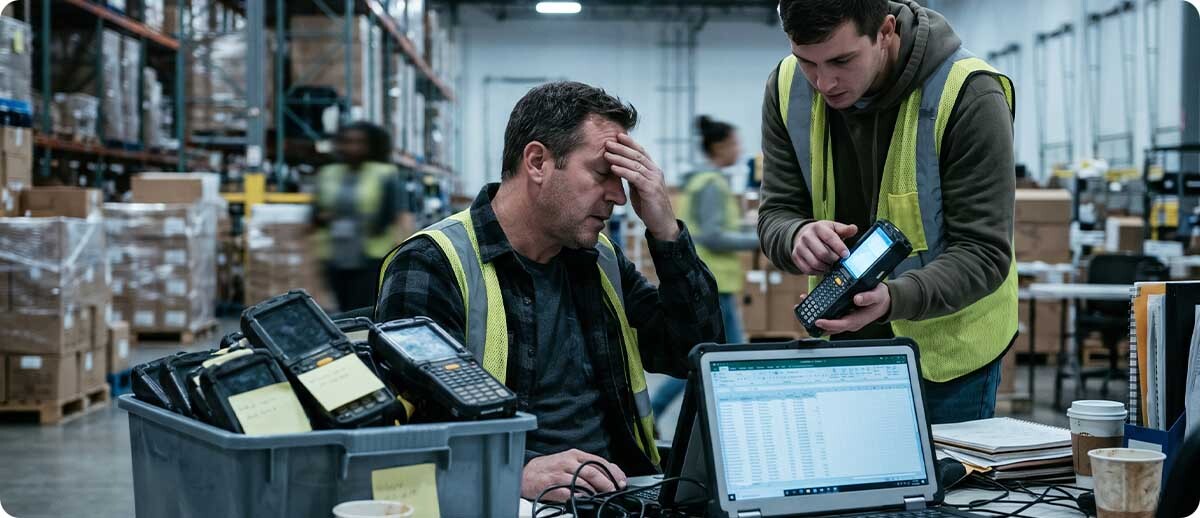
If your mobile computers get set up one at a time, updated whenever someone remembers, and found by walking the building, you're already paying for device management. You're just paying for it in labor, downtime, and risk instead of a license. Here's what an MDM actually does, what life looks like without one, and how to tell whether your fleet is ready for it.
Most operations don't decide to skip device management. It just never comes up. The first few mobile computers get set up by whoever is handy, then a few more arrive, then a second shift starts sharing them. By the time the fleet hits a few dozen devices, someone is spending real hours each week keeping them working, and nobody is quite sure which ones have the latest security patch.
Start Here
What Does an MDM Actually Do?
What Is Mobile Device Management in Plain Terms?
Mobile device management (MDM) is software that lets one person set up, update, secure, and keep track of every mobile computer, tablet, and phone in the operation from a single console. It does four jobs:
Set up
Enroll and Stage
New devices pick up Wi-Fi, apps, and settings by scanning one barcode, instead of someone configuring each one by hand.
Keep current
Update Remotely
App updates, OS updates, and security patches go out to the whole fleet on your schedule, from one console.
Lock down
Control What Runs
Kiosk mode keeps shared devices on approved apps, so nobody is changing settings or streaming video on the warehouse floor.
See and act
Monitor and Protect
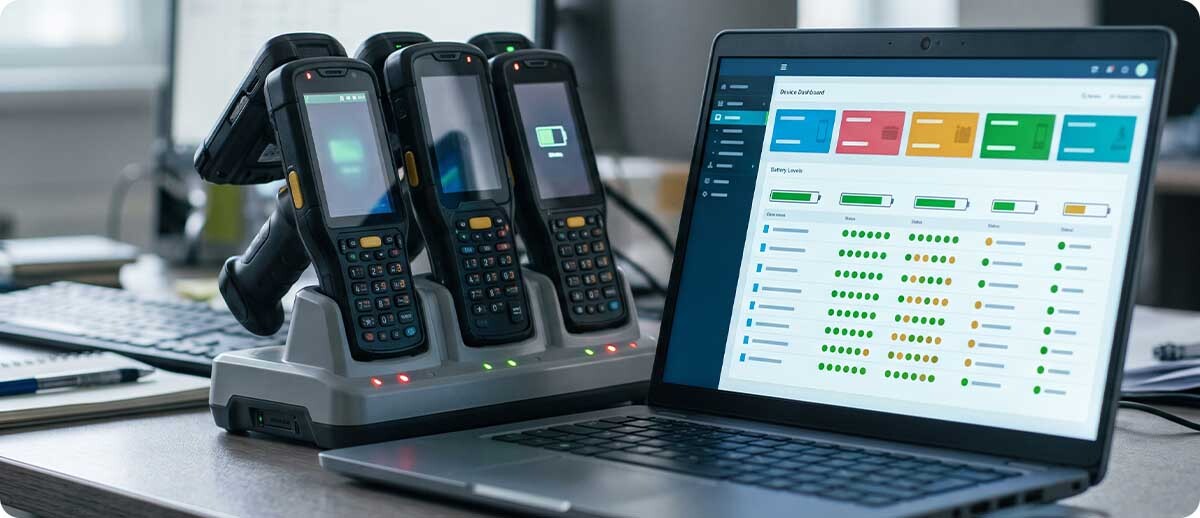
See battery health, last check-in, and OS version for every device, and lock or wipe one remotely if it goes missing.
An MDM doesn't add new work. It replaces work your team is already doing by hand, one device at a time.
Without One
What Running a Fleet Without an MDM Looks Like
Where Does the Time Go When Devices Are Managed by Hand?
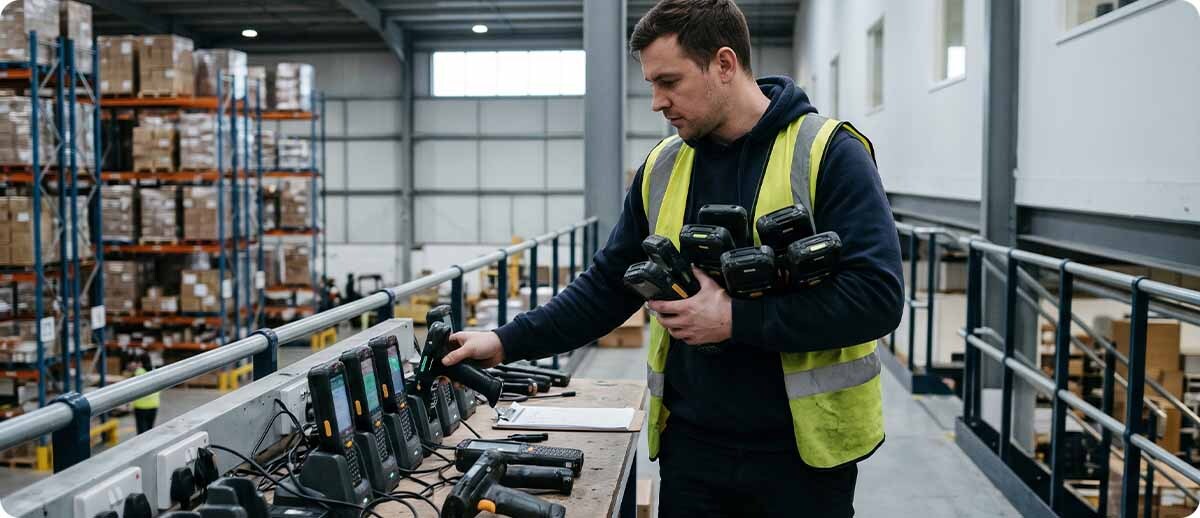
None of these tasks is a crisis on its own. The cost is that they repeat on every device, every week, and they land on whoever happens to be closest. Here's how the same everyday jobs look with and without an MDM:
| Everyday Task | Without an MDM | With an MDM |
|---|---|---|
| Setting up a new device | Someone configures it by hand, often 20 minutes or more each | Scan one barcode and it configures itself |
| Rolling out an app update | Walk the floor or ask workers to update | Pushed to every device from the console |
| Installing security patches | Happens when someone remembers, if at all | Scheduled, tracked, and reported |
| A worker changes settings | IT finds out when the device stops working | Settings are locked; kiosk mode prevents it |
| A battery starts failing | Shows up as a dead device mid-shift | Flagged on the dashboard before it fails |
| A device goes missing | Search the building and hope | See its last check-in; lock or wipe it remotely |
| Answering "how many devices do we have?" | Spreadsheet, if it's current | Live inventory with serial numbers and OS versions |
On a phone, swipe the table sideways to see both columns.
Why Do Security Updates Matter So Much?
Rugged Android devices get regular security patches, and Zebra delivers them through its LifeGuard program. An unmanaged fleet tends to drift: some devices get patched, others sit months behind, and nobody has the list. That's a real gap for any device on your network, and it's the first thing a customer, auditor, or cyber insurance questionnaire is likely to ask about if your devices touch patient, payment, or customer data.
What Does Running Without an MDM Actually Cost?
Run the math on your own fleet. If setting up one device by hand takes 20 minutes, a 30-device rollout is 10 hours of someone's time before anyone scans a barcode. Add the minutes spent each week on app updates, locked-out workers, and dead batteries that nobody saw coming (our battery management guide covers that one). Then add the device that walks away. A single rugged mobile computer usually costs more to replace than a year of MDM licensing for that device, often by a wide margin.

Decide
Does Your Operation Need an MDM Yet?
Time to get one
What Are the Signs Your Fleet Needs an MDM Now?
If two or more of these sound familiar, an MDM will likely pay for itself:
- You manage more devices than one person can set up and check by hand in an afternoon.
- Devices are shared across shifts or spread across more than one building or site.
- Workers have changed settings, installed apps, or locked themselves out more than once.
- You can't say with confidence which OS version or security patch level your devices are on.
- Devices handle customer data, patient information, or payments, or a customer or auditor has asked how they're secured.
- You've lost a device and had no way to find it or erase it.
You can probably wait
When Can a Small Operation Hold Off?
A handful of devices, all at one site, used by the same few people, running one app that rarely changes: that's a fleet you can still manage by hand. The same goes for cordless scanners paired to a PC, which don't run apps and don't need an MDM. Revisit the decision when you add a site, a shift, or a second app.
The middle ground
Can Free Zebra Tools Cover the Gap?
Partly. Zebra's free StageNow tool can set up devices by barcode, and Enterprise Home Screen can lock them to approved apps. Our guide to Zebra Mobility DNA covers those tools in more detail. What free tools don't give you is ongoing visibility: no live dashboard, no remote updates on a schedule, and no way to see where a device last checked in. That's the line where an MDM starts earning its license.
Choose
Picking an MDM That Fits
Which MDM Fits Which Kind of Fleet?
If you've decided you need one, the right platform mostly comes down to what's in your fleet. These three cover the large majority of rugged-device operations:
All-Zebra fleets
Zebra DNA Cloud
Zebra's own cloud MDM. The simplest choice when every device is a Zebra mobile computer, with a console built around Zebra hardware.
Learn more →Mixed fleets
42Gears SureMDM
Manages Android, iOS, Windows, and more from one console, with kiosk and lockdown tools included. Built for fleets with more than one brand.
Learn more →Large, complex fleets
SOTI MobiControl
An enterprise platform with deep policy controls and strong support for older rugged devices. Ask us about licensing for larger deployments.
All three are licensed per device, so you pay for the fleet you have and add licenses as it grows. If you're running Zebra devices today and expect to add other brands, that's worth raising before you choose.
FAQ
Quick Questions
Can You Add an MDM to Devices That Are Already Deployed?
Yes, but plan for it. To get full control of an Android device, most MDMs need to enroll it as a company-owned device, and that usually means a factory reset. Schedule enrollment during a shift change or a slow week, back up anything stored locally, and use barcode enrollment so each device takes a few minutes instead of a few hours.
Will an MDM Let Managers Track Employees?
Only as much as you set it up to. Location reporting is a setting, not a requirement, and most operations use it to find lost devices rather than to follow people. Decide what you'll collect, write it into your device policy, and tell your team before you roll it out.
How Long Does It Take to Get an MDM Running?
For a small or midsize fleet, the console setup is often a matter of days, not months. The bigger time investment is deciding how devices should be configured and testing that setup on a few devices before you enroll the rest.
An MDM isn't about adding software for its own sake. It's about getting back the hours your team spends setting up, updating, and hunting for devices, and knowing your fleet is patched and accounted for. If you're not sure whether your operation is there yet, reach out to Midwest Barcoding Solutions. Tell us how many devices you run and how they're used, and we'll give you a straight answer. You can also browse our barcode and device management software.
Keep Reading
Customers Also Checked These Out
Mobility Software
Zebra Mobility DNA: What It Is, What It Does, and Why Your IT Team Should Care
Read the post →