
Returns Processing: How to Barcode Your Warehouse Returns
Posted by Midwest Barcoding Solutions on Nov 10th 2026
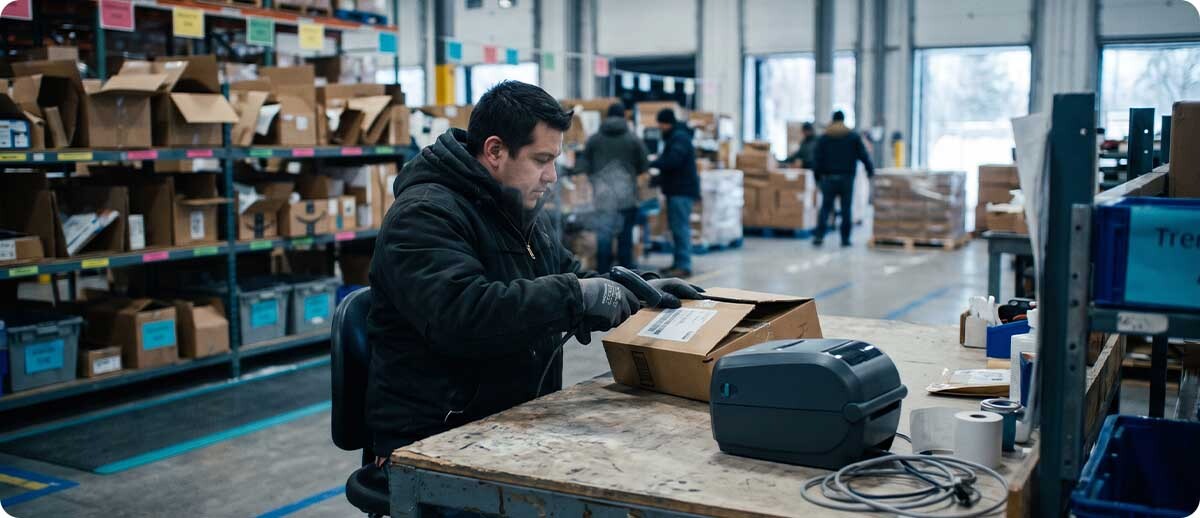
Warehouse Operations · Returns Processing | By Midwest Barcoding Solutions
Last reviewed November 10, 2026
In This Post
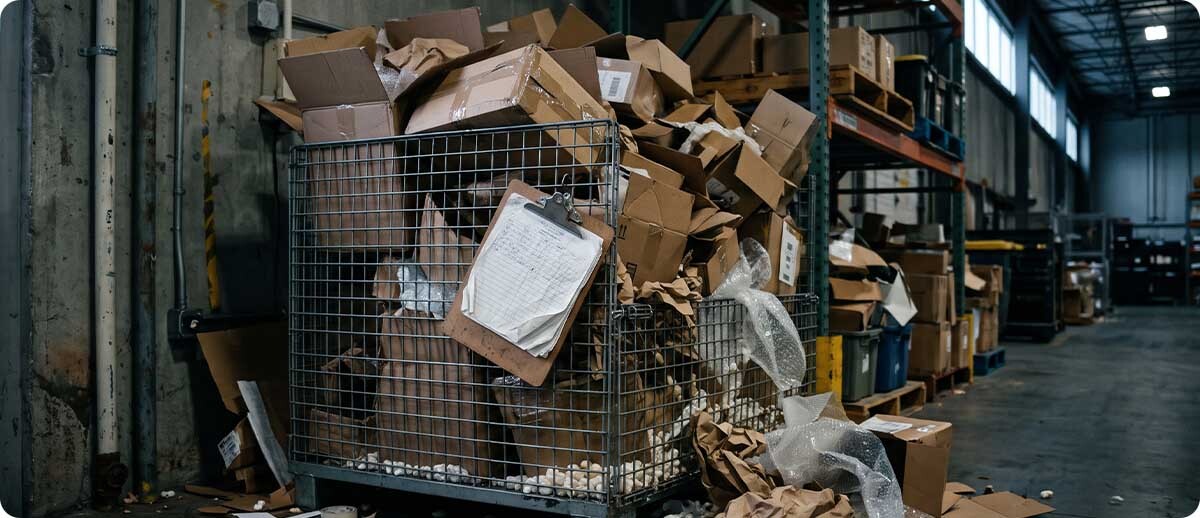
Every January, returns cages fill up across the Midwest. Boxes wait for someone to open them, product sits off the shelf, and nobody can say exactly what's back there. A barcoded returns process fixes most of that with a handful of scans. Here's why returns pile up, a step-by-step flow that gets product back where it belongs, the hardware each step needs, and a checklist to finish before the holiday wave hits.
Returns Processing Key Facts
- Scale: NRF and Happy Returns estimated $849.9 billion in U.S. retail returns for 2025, about 15.8% of sales.
- Holiday spike: retailers expected 17% of holiday sales to come back, and online orders come back more often (19.3% for 2025).
- Timing: the wave hits warehouses in late December and January.
- The fix: scan the return in, check it against the order, grade it, relabel it if needed, and scan it into a location.
- Hardware: a 2D scanner or mobile computer at the returns bench, a desktop label printer, and durable labels.
Most warehouses build their processes around outbound orders, and that makes sense. Returns get whatever's left: a corner of the dock, a clipboard, and whoever has time that afternoon. That works in July. It falls apart in January, when the volume jumps and every box is a little different from the last one.
The Problem
Why Returns Pile Up
Why Do Returns Pile Up in the Warehouse?
Because returns are usually handled by hand, one box at a time, with no standard steps. The same few problems show up in almost every operation we walk:
- Nothing is scanned at the dock. Boxes get stacked in a returns area, so the system doesn't know they arrived until someone opens them, days or weeks later.
- Order numbers are typed in by hand. That's slow, and a single wrong digit credits the wrong customer or the wrong item.
- No one records why it came back. Without reason codes, you can't spot the product that keeps getting returned for the same defect.
- Every worker grades differently. One person restocks an opened box and another scraps it, so resellable product gets lost and damaged product gets shipped again.
- Items go back on the shelf without a scan. Inventory counts drift, and pickers walk to empty locations.
What Does a Slow Returns Process Actually Cost?
More than the labor. Every day a resellable item sits in a returns cage is a day it can't be sold, and seasonal products lose value fast after the holidays. Customers wait longer for refunds and exchanges. Inventory is wrong until someone catches up. And without a scan to check the item against the original order, fraud slips through: NRF and Happy Returns estimated that 9% of 2025 returns were fraudulent. NRF's returns report has the full numbers.
A return that hasn't been scanned doesn't exist as far as your inventory system knows. The first scan is what turns a pile of boxes into product you can sell.
The Fix
A Barcoded Returns Process, Step by Step
What Are the Steps in a Warehouse Returns Process?
A good returns process has five steps, and every one of them starts with a scan. Your software may name them differently, but the flow is the same:
Scan the return label, RMA number, or order barcode the moment the box arrives. Now the system knows it's in the building.
Open the box and scan each item. The system checks it against what was ordered, so a wrong item or a missing piece shows up right away.
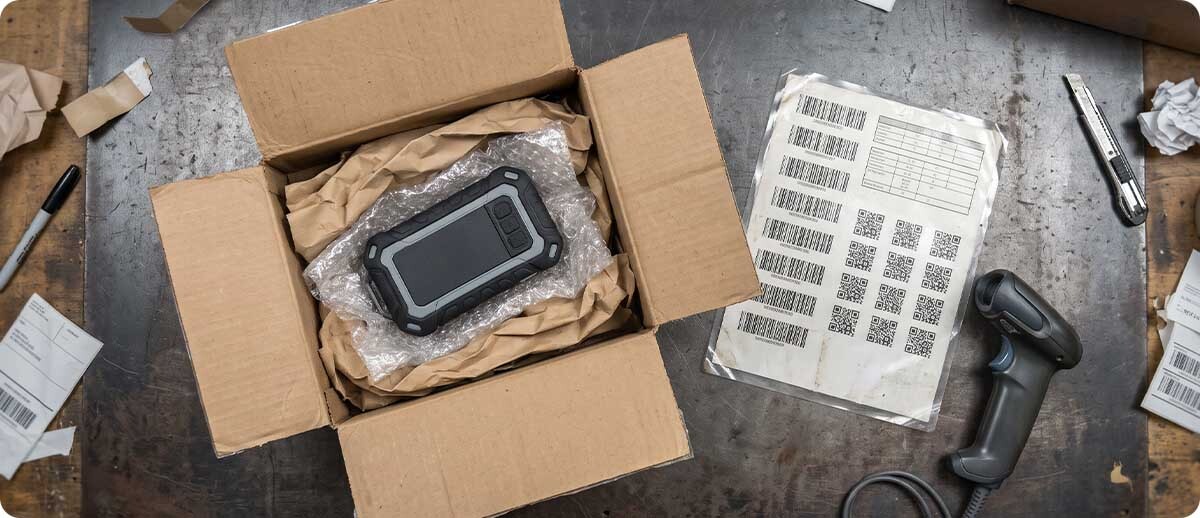
Inspect the item, then pick a condition grade and a return reason from a short list. Scannable code sheets at the bench make this a one-second step.
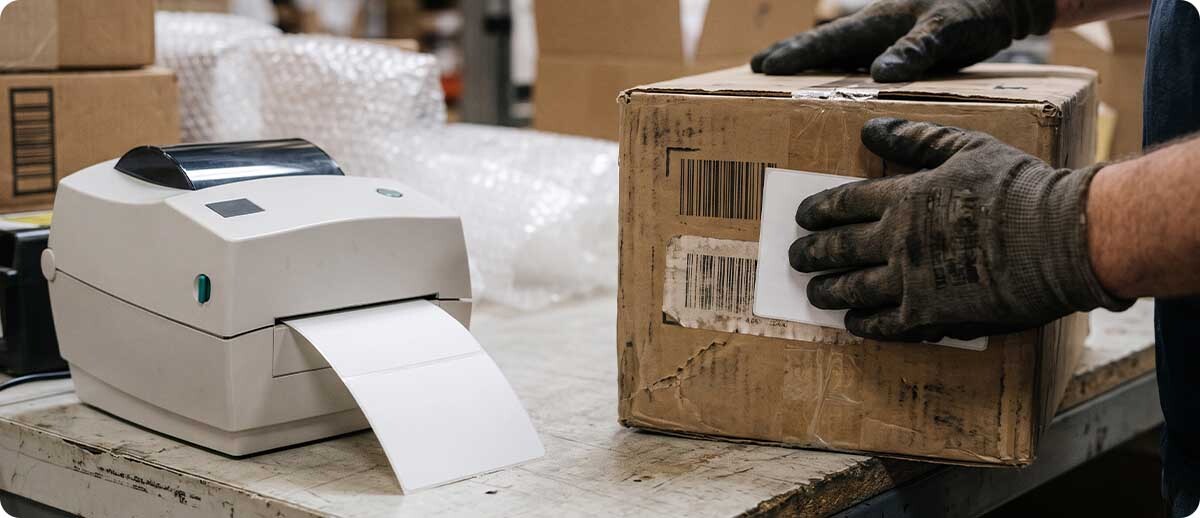
Print a new label if the packaging is damaged, the item is being repackaged, or it's headed somewhere other than regular stock.
Scan the item and the shelf, bin, or tote it goes into. Inventory is right the moment it lands.
What Disposition Codes Should a Returns Process Use?
Keep the list short so every worker grades the same way. Five outcomes cover most operations:
| Disposition | What It Means | Where It Goes | Label Needed? |
|---|---|---|---|
| Restock | Unopened or like new | Back to sellable stock | Only if the original label is damaged |
| Repack | Good product, damaged packaging | Repack station, then stock | Yes, a new product label |
| Return to vendor | Defective and covered by the supplier | RTV staging area | Yes, with the vendor and reason |
| Liquidate or outlet | Works, but can't be sold as new | Outlet, B-stock, or liquidation lot | Yes, marked as open box or B-stock |
| Scrap or recycle | Not resellable | Disposal, recycling, or donation | Usually not, but scan it out of inventory |
On a phone, swipe the table sideways to see every column.
On the Floor
What the Returns Area Needs
What Hardware Does a Returns Station Need?
Not much, and most of it may already be in your building. A returns bench needs something to scan with, something to print with, and labels that hold up on boxes that have already been shipped once:
Scan
2D Scanner or Mobile Computer
A 2D imager reads crumpled return labels, QR codes on a customer's phone, and barcodes on curved packaging that older laser scanners miss. Use a corded or cordless scanner at a fixed bench, or a rugged mobile computer if workers also do putaway.
Learn more →Desktop Label Printer
One printer per bench prints new product, open-box, and return-to-vendor labels on demand, so nothing gets written on with a marker.
Learn more →Label
Labels That Stick
Returned boxes are scuffed, taped, and sometimes cold from the truck. A label with a stronger adhesive, sized to cover the old barcode, keeps the wrong code from getting scanned later.
Learn more →If your scanners are still laser models, the returns bench is a good reason to upgrade. Our post on laser vs. area imagers explains why 2D imagers read damaged and on-screen codes so much better.
Decide
How Much Returns Setup Do You Need?
Best fit · Simple bench
When Is One Returns Bench Enough?
If you handle up to a few hundred returns a week, one well-set-up bench with a 2D scanner, a label printer, and code sheets for grades and reasons will cover it. The win comes from doing the same five steps every time, not from more equipment.
Best fit · High volume
When Should You Add Stations or Fixed Scanning?
If returns back up for more than a day or two in January, add benches, give putaway workers mobile computers, or put a fixed-mount scanner over a conveyor where boxes arrive so the first scan happens without anyone lifting a scanner. Our post on fixed mount vs. handheld scanners walks through when that pays off.
Check this first
When Is It a Software Problem, Not a Hardware Problem?
If your WMS or ERP has no way to record a return, a grade, or a reason, scanners alone won't fix it. Many systems have a returns module that's simply turned off or never set up. Check that first. Then make sure the scanners and printers are configured to feed it.
Before January
A Returns Readiness Checklist
How Do You Get Ready for Holiday Returns?
Do these in December, while volume is still manageable:
- Mark off a returns area with clear zones for unprocessed, restock, repack, return to vendor, and scrap.
- Write the five steps down and post them at each bench, with photos of what each grade looks like.
- Print code sheets for grades and return reasons so workers scan them instead of typing.
- Test every scanner and printer at the bench, including reading a QR code off a phone screen.
- Stock labels and ribbons for the relabeling you'll do in January, plus spare batteries for mobile computers.
- Train seasonal help on the returns flow before they're needed, not on the first busy morning.
- Pick a daily goal, such as every return scanned in on the day it arrives, and track it.
FAQ
Quick Questions
Do We Need Special Software to Process Returns?
Not always. Many WMS and ERP systems already have a returns or RMA function. The key is that it can record the return, the condition grade, the reason, and the new location. If yours can, barcode hardware plugs right into it. If it can't, that's the gap to close first.
Can a Returned Item Keep Its Original Barcode?
Yes, if it's going straight back into sellable stock and the label is clean. If the item is now open box, B-stock, or headed back to the vendor, give it a new label that covers the old one. Otherwise someone will scan the old code and treat it as new stock.
What If a Return Shows Up Without a Label or RMA?
Give it an exception path instead of letting it sit. Scan the item's product barcode to identify it, print a temporary tracking label, and move it to a holding zone so customer service can match it to an order. Every unknown box still gets scanned into the system on the day it arrives.
How Do Return Reason Codes Help?
They turn returns into information. When every return carries a reason, a simple report shows which products come back most and why: damaged in shipping, wrong item picked, defective, or customer changed their mind. That tells you whether to fix packaging, picking, a supplier, or a product listing.
Returns will always come back in a rush after the holidays. Whether they turn into sellable stock in a day or sit in a cage for a month comes down to a few scans and a process everyone follows. If you'd like help setting up a returns bench or choosing scanners and printers that fit your workflow, reach out to Midwest Barcoding Solutions. You can also see how we approach projects like this on our barcoding solutions and services page.
Keep Reading
Customers Also Checked These Out